Help Center
Topics
All Users
Updating your account
Joining communities and getting involved
Attending events
Completing calls to action
Tracking your activity and badges
Leaders
Managing your communities
Creating events for your community
Setting up CTAs for your community
Scheduling a committee meeting
Viewing community reports
Organization admins
Updating organization details
Creating a new community
Managing organization users
Creating a private cohort
Accessing organization reports
Viewing LEADR™ Index results
Contact Us
View past email communications
View emails about events and calls to action
View emails sent community subscribers
leaders
View past email communications
Access a record of past communications sent to your subscribers and attendees
View emails about events and calls to action
Navigate to the event or call to action dashboard
Go to the
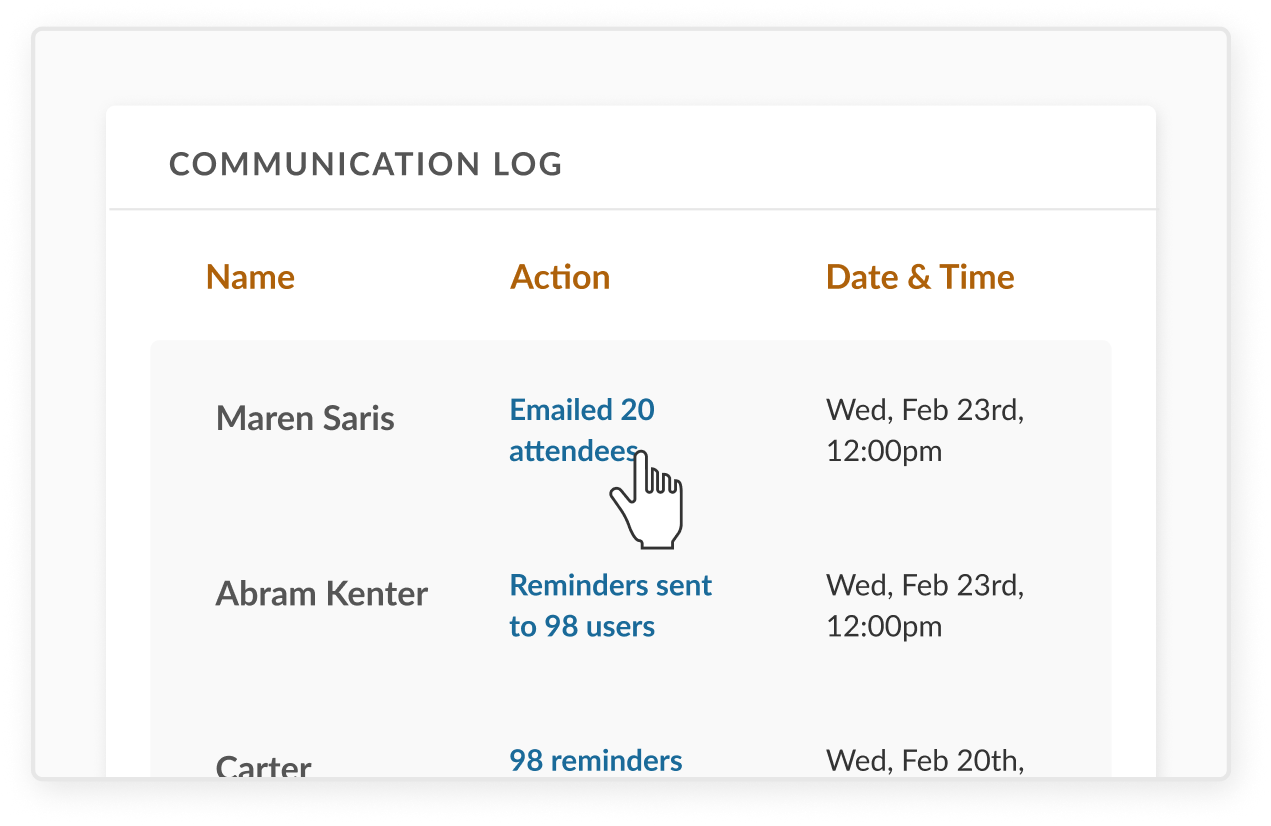
Communications Log
Find the record of the relevant email and click the hyperlinked text
This will open an archived copy of the sent email, as well as a table of all recipients
View emails sent community subscribers
Navigate to the
View & Contact Subscribers
tab of your Leadership Dashboard
Click the
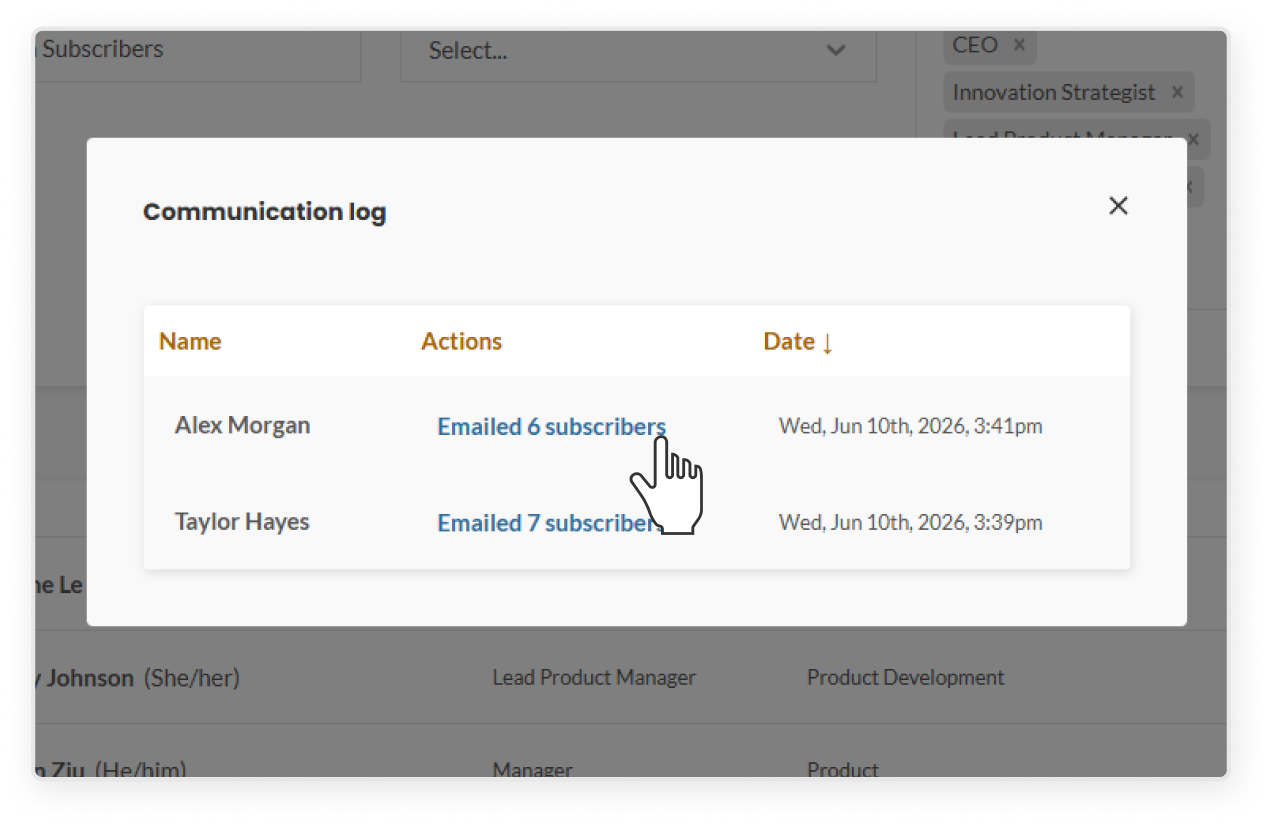
Communications Log
button
Within the Communications Log, find the record of the relevant email and click the hyperlinked text
This will open an archived copy of the sent email, as well as a table of all recipients